
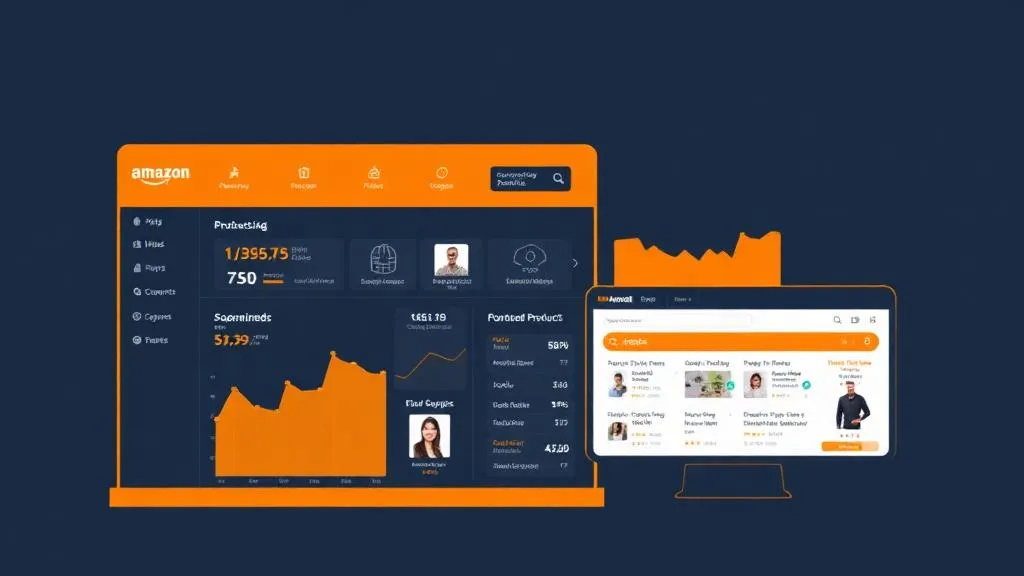
Automating Amazon Vendor Central Direct Fulfillment: Invoices, Labels, Handover & Ship Confirmation
Direct Fulfillment orders on Amazon Vendor Central mean the same clicks every day: print invoices, print labels one by one, download the handover report, mark as shipped, update the sheet. We automated the whole run — here's how, and what to watch out for.
Brands that sell to Amazon as a vendor through a Direct Fulfillment (DF) arrangement ship each customer order themselves — but they do it through Vendor Central, not Seller Central, and almost none of the usual seller tools cover it. For a brand we work with, the daily DF routine was: open New orders, select all, print customer invoices, print each shipping label one at a time, download the handover report per carrier, mark the orders as shipped, upload everything to Drive and type a row per order into an order sheet. Several times a day. We automated it end to end.
The shape of the automation
Three times a day a scheduled job signs in to Vendor Central, lists the new DF orders due to ship, and for each one downloads the customer invoice and the shipping label. It then creates the handover report for each carrier, marks the orders as shipped, files every document into Google Drive by date and run time, appends one row per order to the team's existing order sheet, and emails the team a list of orders ready to pack. Nobody opens the panel unless something needs a human.
Sign-in without a person
Vendor Central asks for a one-time password on new sessions. Rather than disable security, the job keeps a saved browser profile so most runs are already signed in, and when an OTP is needed it reads the code from a dedicated mailbox the account's verification emails are forwarded to. Each run makes one sign-in attempt; if Amazon shows a captcha or an unexpected page, the run stops and alerts instead of retrying in a loop. Accounts get locked by scripts that keep trying.
Use the panel's own endpoints, carefully
Once signed in, everything the panel does is a request the page itself makes: the order list, the invoice PDF, the label (as ZPL, the thermal-printer format), the handover report and the ship confirmation. Calling those from inside the signed-in page is far more reliable than clicking buttons — React-based panels often ignore programmatic clicks and selections. Two of them change state: printing a label for the first time moves the order to 'label printed', and ship confirmation is final. Those happen once per order, recorded in a ledger before anything else, and never retried blindly.
Labels are ZPL — render them yourself
Like Amazon's other programmes, DF labels come as ZPL. We render them to PDF on our own server (and keep the .zpl for thermal printers) instead of sending them to an online converter, because a label contains the customer's name and address.
Respect what the team already did
If a label was already printed by someone in the panel, the job treats that order as the team's and leaves it alone rather than trying to finish it. Sheets are appended in the team's exact format, de-duplicated by order ID, so a re-run never adds a row twice. And the very first live run processed exactly one order, which we checked by hand, before the job was allowed to process everything.
What about the official API
Amazon's Selling Partner API covers Direct Fulfillment orders and shipping, and a registered developer app is the long-term route. Registration needs identity verification and approval for restricted roles that include customer data, which takes time. The panel-based job is a bridge: it works now, and its steps map one-to-one onto API calls, so moving over later is a swap of the transport, not a rewrite.
Running Direct Fulfillment by hand? At HowAutomate we automate marketplace operations for Indian brands — Unicommerce order processing, Vendor Central DF and the sheets and reports around them.
Want this done for your business? See how we implement it end-to-end.
E-Commerce AutomationFrequently Asked Questions
Can Amazon Vendor Central Direct Fulfillment be automated?
Yes. The daily routine — listing new DF orders, downloading customer invoices and shipping labels, creating carrier handover reports, confirming shipment and updating an order sheet — can run on a schedule. The long-term route is Amazon's Selling Partner API; a panel-based job can bridge the gap while API access is approved.
What format are Vendor Central DF shipping labels in?
ZPL, the language thermal label printers use. They can be sent straight to a thermal printer or rendered to PDF — preferably on your own server, since labels contain customer names and addresses.
How do you handle the OTP when automating Vendor Central sign-in?
Keep a saved browser session so most runs are already signed in, and when a one-time password is needed, read it from a dedicated mailbox that receives the verification emails. Make one attempt per run and stop on a captcha rather than retrying.
Is ship confirmation reversible?
No — treat it as final. Record it in a ledger the moment it succeeds, run it once per order, and only after the documents and handover report are saved.

Amit Singh
Founder, HowAutomate — Data Engineering, AI Automation & Cloud Infrastructure
Amit has 6+ years of experience building data pipelines, AI agents, and automation systems for businesses across India and globally. He founded HowAutomate to make enterprise-grade automation accessible to growing businesses.
Get Weekly Automation Tips
Real scripts, workflows, and AI tips — straight to your inbox.
Want us to implement this for you?
Book a free 30-minute discovery call and we'll map out exactly how to apply this to your business.
More Articles
Building a Marketplace Price Tracker for Amazon, Flipkart, Myntra & Nykaa (What Actually Works in 2026)
Read more
Exam Photo & Signature Size 2026: IBPS, NEET, JEE Main & SSC (Verified From Official Notices)
Read more
How Our Free AI Tools Run Without an API: Background & Watermark Removal in the Browser
Read more