1The challenge
The brand plans from a set of Google Sheets: one folder per channel (Myntra, Nykaa, Nykaa Fashion, Ajio, Blinkit, Flipkart and two Amazon accounts) holding daily sales, marketplace warehouse stock and in-transit quantities, plus warehouse stock from Unicommerce. Filling them meant logging in to every portal, downloading reports that each lag and fail in their own way, and typing thousands of numbers into the right date rows. It took hours a day and any slip flowed straight into stock and buying decisions.
2What we built
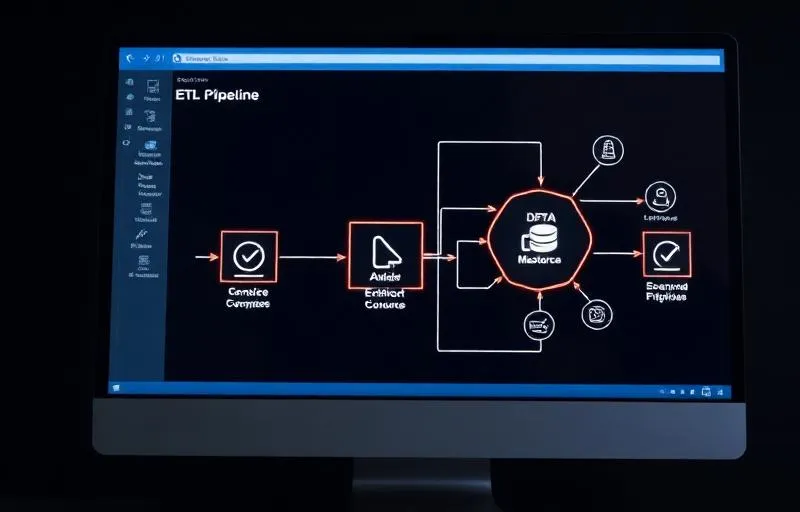
A scheduled Python job on our server collects each source the way it works best — portal reports, report APIs and Unicommerce — converts the figures using the team's own rules, and writes them into the team's existing workbooks, tabs and columns. It only fills blank cells: matching values are marked SAME, different ones are reported as CONFLICT and left untouched. It ran on test copies for several days and was compared cell by cell with the team's own entries before switching to the real files, and every real run backs up each original file before writing. One email after each run lists what was written, skipped and in conflict.
3How it works
We started from the team's sheets, not from the data. Every workbook already had formulas and summaries built on top of it, so the automation had to write into exactly the same places a person would — the right tab, the right SKU row, the right date column — and nowhere else.
Each source needed its own handling. Flipkart's sales report runs about two days behind and refuses a new request for a date range that has already been requested, so the job finds and reuses the existing report. Myntra's report jobs can take more than an hour on a busy morning. Amazon's vendor analytics give revenue without GST, so we applied the team's GST rule by category and checked it against days they had filled by hand. Warehouse stock comes from Unicommerce for all seven warehouse tabs.
Safety came from three rules: fill blanks only, run on copies until the numbers match, and back up before every real write. The conflict report turned out to be valuable in itself — it shows the team exactly where portal figures and their own figures disagree, usually because of returns that portals adjust a few days later.
The client found one real bug on the first day of live runs: completed shipments were still being counted as in transit on three tabs, because the code located the status column below a row labelled 'Total' that only one tab had. We changed it to find columns by their header names and corrected the affected values the same day. That's the kind of issue a parallel run with the team's own numbers is designed to catch.
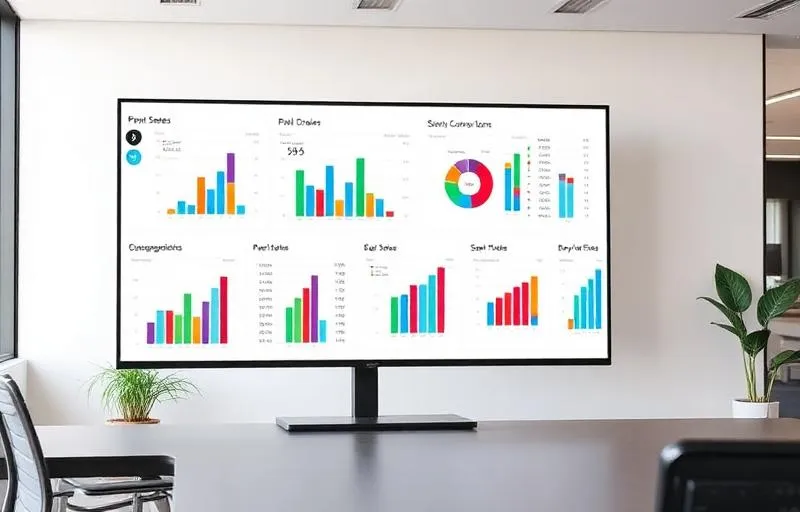
The job runs on a Linux server at the time the team chose and never needs anyone's laptop. The morning routine is now one email. The same data now feeds formula-driven Google Sheets dashboards, starting with Myntra, and sits alongside the brand's [order processing automation](https://howautomate.com/portfolio/marketplace-order-processing-automation) and [price tracker](https://howautomate.com/portfolio/marketplace-price-tracker-dashboard).
Built with
- Python
- Marketplace seller portals
- Myntra & Flipkart reports
- Amazon Vendor & Seller Central
- Unicommerce API
- Google Sheets API
- Google Drive API
- Linux cron